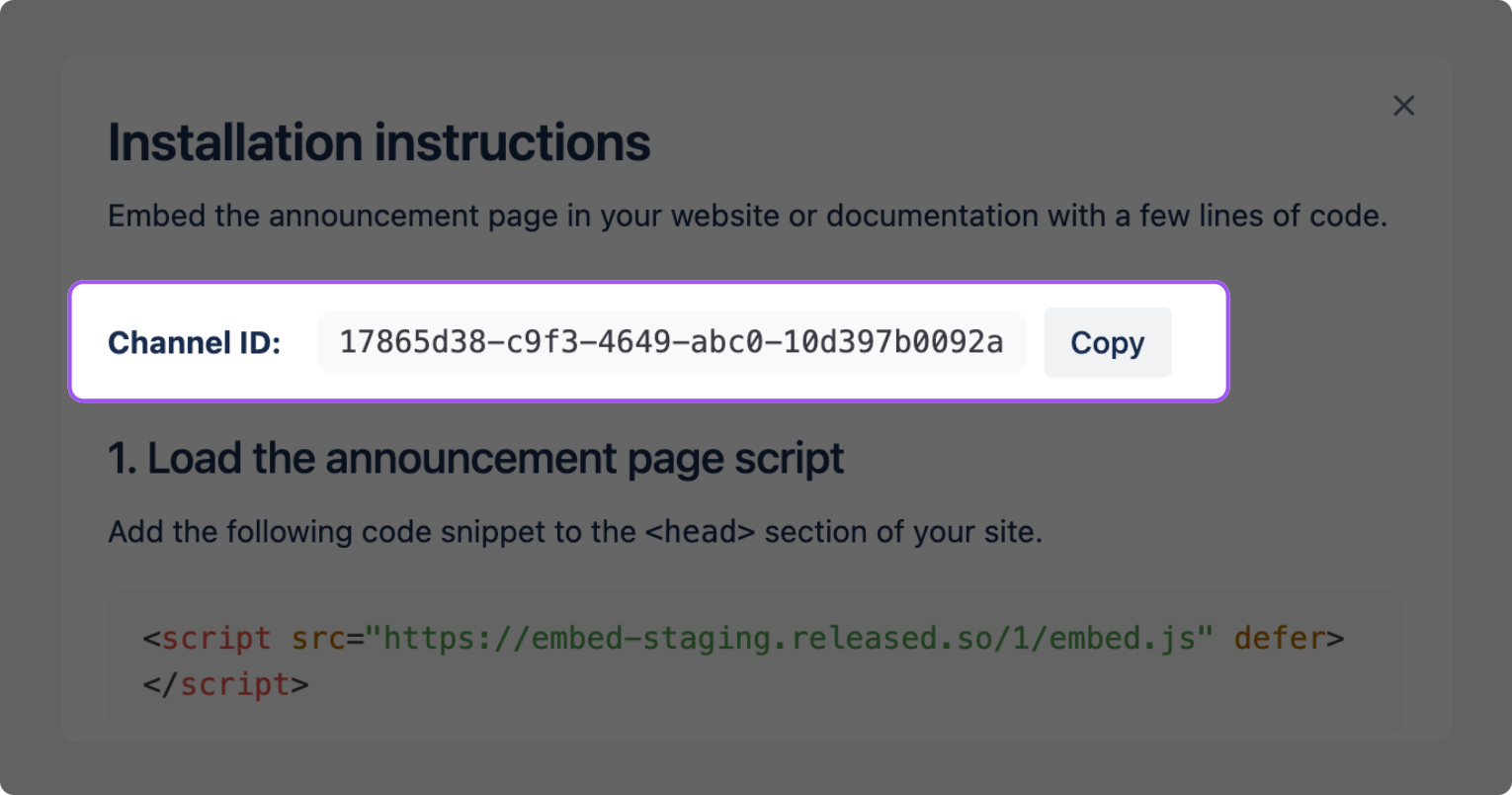
What is the channel/form ID?
Section titled “What is the channel/form ID?”The channel and form IDs are unique identifiers for your embeds. Use these IDs when embedding your Hub portals or forms in other apps.
Where can I find the channel/form ID?
Section titled “Where can I find the channel/form ID?”Open Hub
Section titled “Open Hub”Open Jira and find Hub in the Apps section of the left-hand navigation.
Select a workspace
Section titled “Select a workspace”In Hub, select the workspace containing the roadmaps, changelogs or forms you want to embed.
Open workspace settings
Section titled “Open workspace settings”In the left-hand navigation of the workspace, click on Settings.
Select what you want to embed
Section titled “Select what you want to embed”In the Design section, select the Widget, Page or Form, depending on which one you want to embed.
Find the Channel ID
Section titled “Find the Channel ID”Click Install at the bottom of the right-hand Configuration panel. You will find the Channel ID near the top of the instructions.