


Aura is the top rated formatting app that allows users to create visually appealing and engaging content in Confluence with a suite of intuitive macros, highlighting important content, providing intuitive navigation, and enhancing readability.
Prerequisite
Section titled “Prerequisite”- You must have Aura installed in your Confluence instance.
- Find the channel ID for the announcement page and note it down.
1. Create a page with the Aura macro
Section titled “1. Create a page with the Aura macro”- Create a Confluence page where you want your release notes to show up.
- Add the “Aura - Embed” macro to the page.
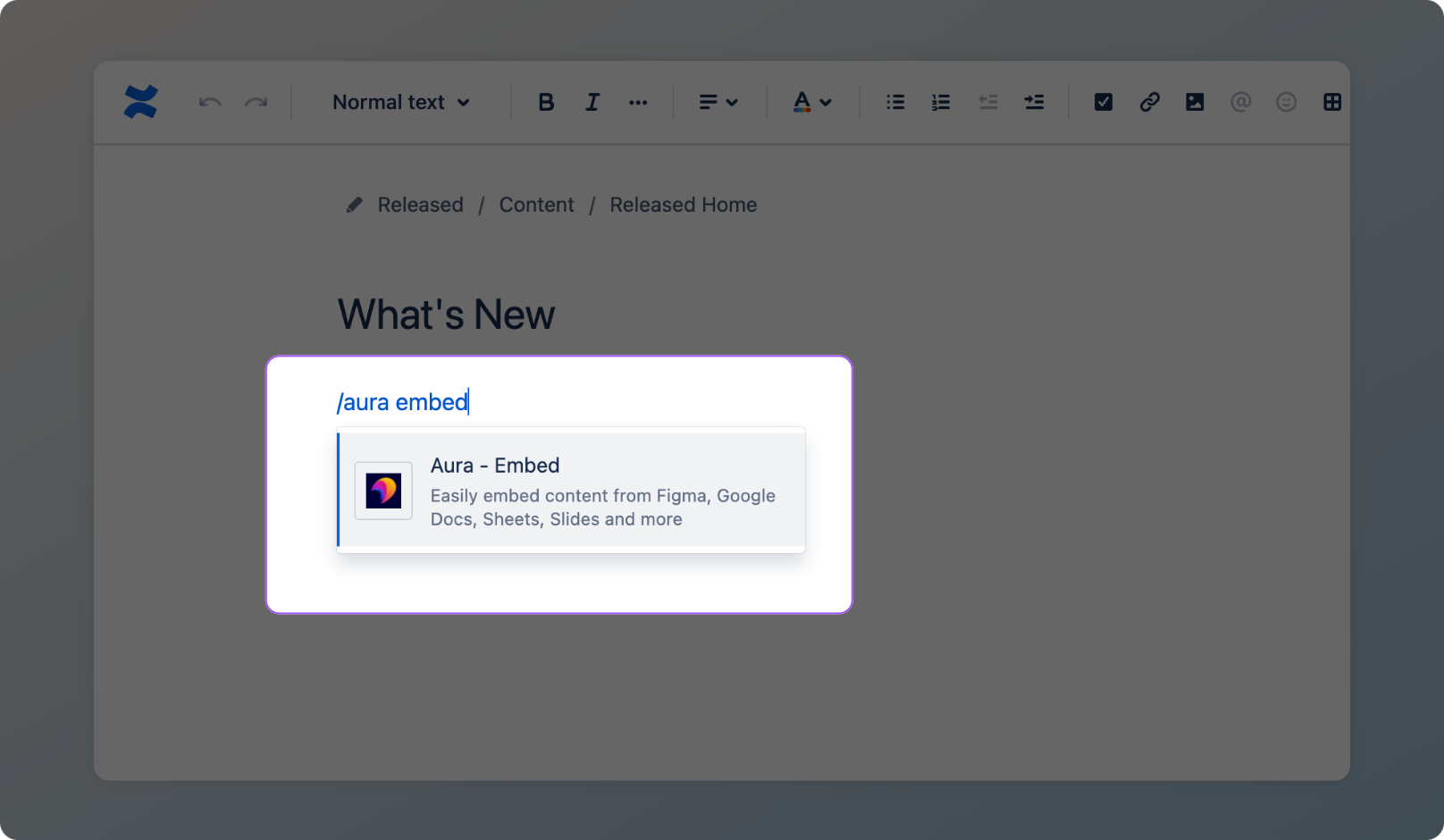
2. Select Hub
Section titled “2. Select Hub”- In the “Type” dropdown, select Hub within the “Collaboration” section.
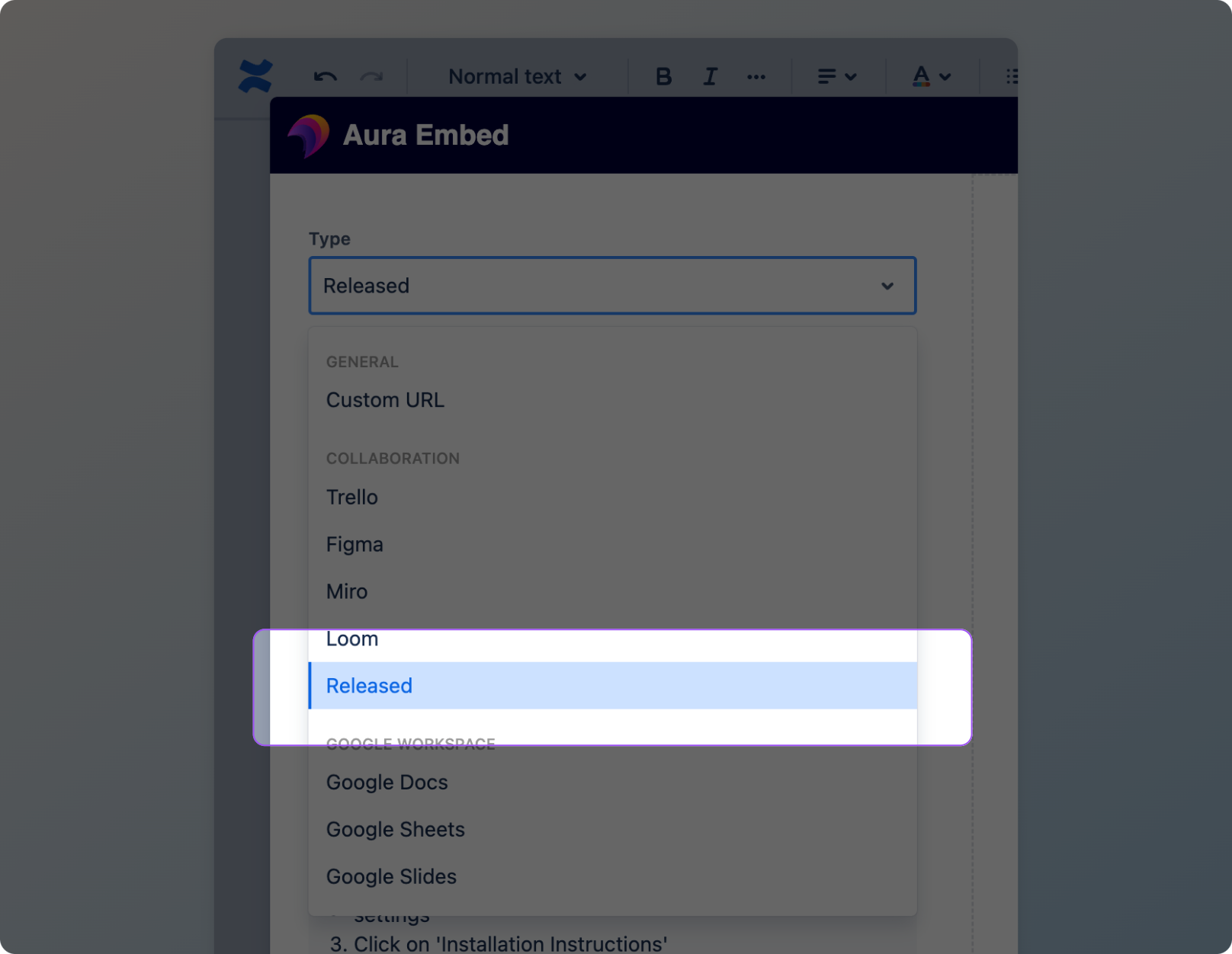
3. Enter the Channel ID
Section titled “3. Enter the Channel ID”- Enter the Channel ID into the “Hub URL” field - your release notes should render in the preview on the right once entered.
- Press “Save”
4. Publish the page
Section titled “4. Publish the page”- Click “Publish” in the top-right to publish the Confluence page.
Congratulations, you’re done 🎉
New posts published to the Announcement Page channel in Hub will now automatically appear in Confluence.