Keyboard shortcuts significantly enhance efficiency by providing quick and direct access to various functions and commands, saving time and reducing reliance on mouse navigation.
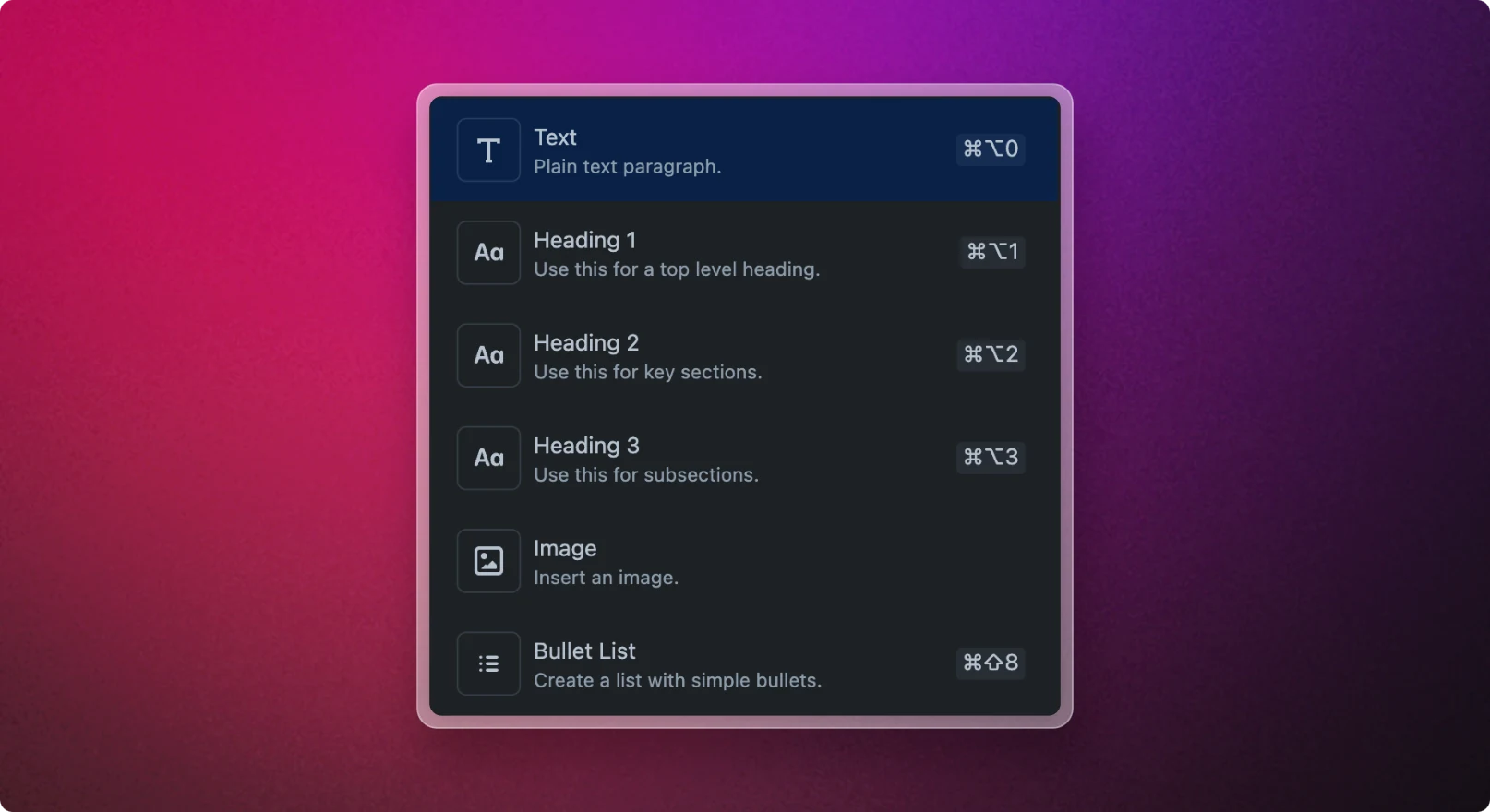
Type / at the beginning of a line to open the Slash Command dialog. The dialog presents an ever-expanding list of content blocks for you to choose from. Narrow down the options by typing to filter the list, or select a specific item from the menu to insert the corresponding block into the editor.
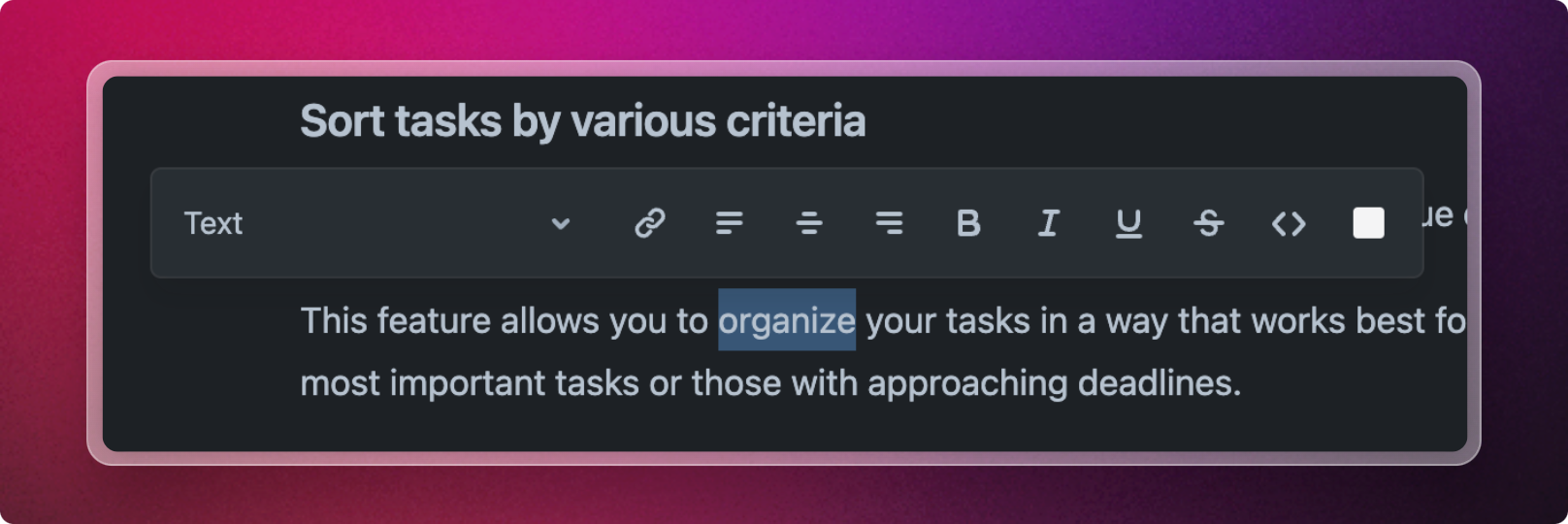
Moreover, you can utilize the toolbar to easily apply styling to your text. Just highlight the desired word or phrase, and the toolbar will appear, offering a variety of formatting options.