


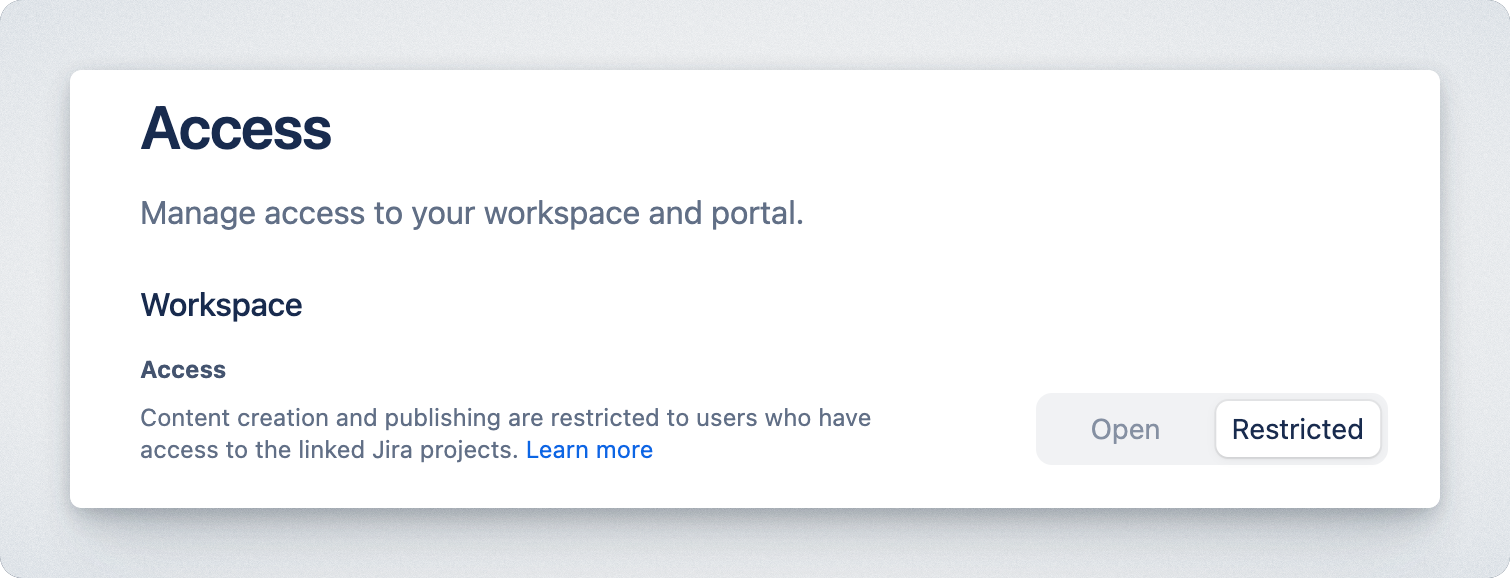
Hub uses Jira permissions rather than a separate access-control system. That means the permissions already assigned to people in Jira determine who can administer Hub, open a workspace, and see work from its connected projects.
There are two levels to consider: global permissions control who can configure Hub itself, while workspace access controls what people can do inside a particular workspace.
Global permissions
Section titled “Global permissions”Where to manage them
Section titled “Where to manage them”In the Jira top navigation:
- Select ⚙ > System.
- Click Global Permissions.
Hub administrator permission
Section titled “Hub administrator permission”People with Hub: Administrator can configure global settings, including Product Hub details, trusted domains, and user verification. Grant it to the people responsible for the published Hub experience and its integrations.
Workspace permissions
Section titled “Workspace permissions”A workspace has two access models. Choose the one that matches the audience for its changelog and portals.
Everyone with access to the Jira site can open the workspace and edit its changelog. Use this when the workspace is intended for the wider Jira site and no project-level restriction is needed.
Restricted
Section titled “Restricted”People need Edit issue permission in at least one linked project to access a restricted workspace. This keeps access tied to the same projects that supply the workspace content. See the Jira documentation for the underlying project-permission model.