


Overview
Section titled “Overview”By incorporating videos into your posts, you can enhance the user experience, provide visual demonstrations, and make your content more engaging.
Basics
Section titled “Basics”Supported video sources and formats
Section titled “Supported video sources and formats”Hub currently supports videos from:
- YouTube
- Loom
- Any public
.mp4,.webmor.oggfile URL
Adding videos to your post
Section titled “Adding videos to your post”- Copy the Video URL
- Go to the video platform where your video is hosted (e.g., YouTube).
- Locate the video you want to include in your post.
- Copy the URL of the video.
- Paste the Video URL
- In the Post Editor, place the cursor at the desired location for the video.
- Paste the copied video URL into the editor.
- Automatic Embedding
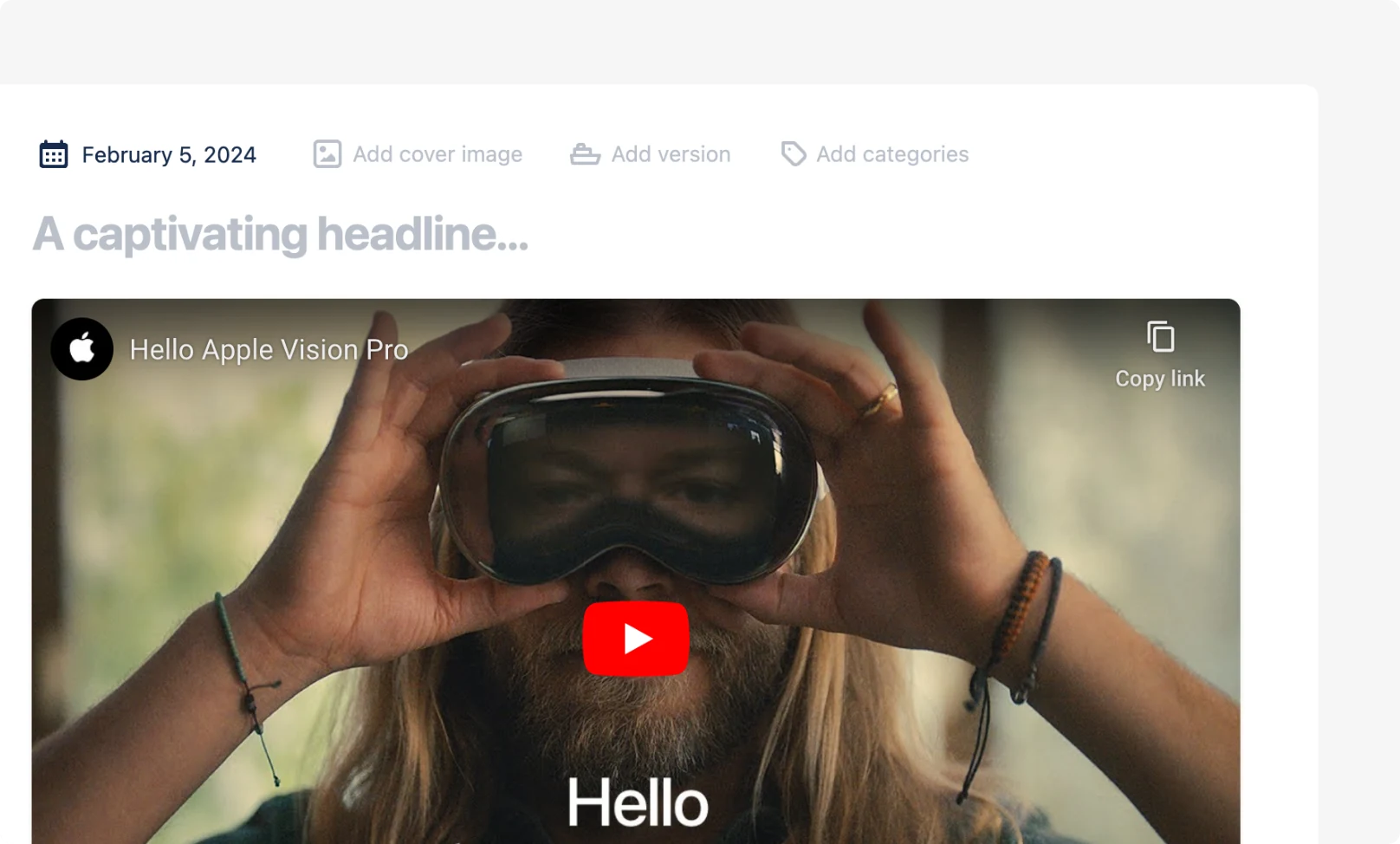
- Once you paste the video URL, Hub will automatically detect the supported video platform and embed the video directly into your post.