


Webflow lets you create professional, custom websites in a completely visual canvas with no code.
With Hub + Webflow, you can seamlessly embed a widget or announcement page into your website.
Prerequisite
Section titled “Prerequisite”If you aren’t familiar with Webflow’s custom code embed feature, we recommend you watch this their tutorial first: https://university.webflow.com/lesson/custom-code-embed
1. Get the embed code from Hub
Section titled “1. Get the embed code from Hub”- Follow the installation instructions to get the embed code within Hub.
- Take note of the
<script>and the<released-page>tags. You will require those snippets in the next step.
2. Adding the announcement page
Section titled “2. Adding the announcement page”In your Webflow interface.
- Click on the ﹢ icon in the top left or simply click
ato open the Add elements panel. - Scroll to the Advanced section and click the Embed element.
- Copy the code snippets from above into the dialog.
- Click Save & Close. The element has now been added.
- Move it to the section of the page where you want to display the announcement page.
3. Adding the notification badge
Section titled “3. Adding the notification badge”To notify users about the availability of a new post, you can enhance the user experience by incorporating a notification badge on the link or button leading to the announcement page.

Similar to adding the announcement page, you can add the notification badge via the embed element.
- Click on the ﹢ icon in the top left or simply click
ato open the Add elements panel. - Scroll to the Advanced section and click the Embed element.
- Copy the code snippets from above into the dialog.
- Click Save & Close. The element has now been added.
- Move the element next to the link or button where you want to show the badge. Typically in the navigation.
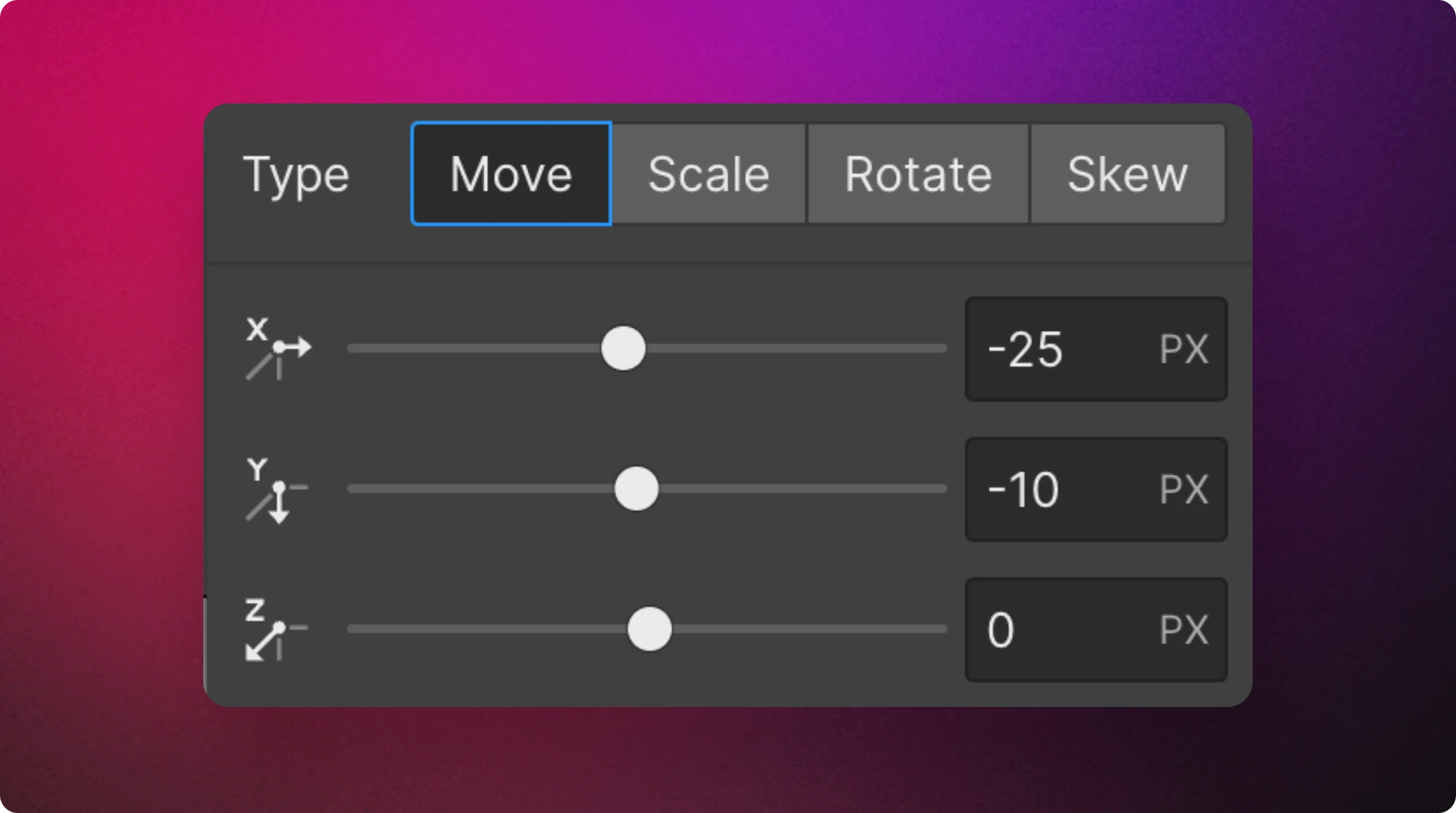
- Use the 2D & 3D transforms settings to adjust the position of the badge
Video tutorial
Section titled “Video tutorial”Watch a 90 seconds walk through on how to add your release notes to your Webflow site.