


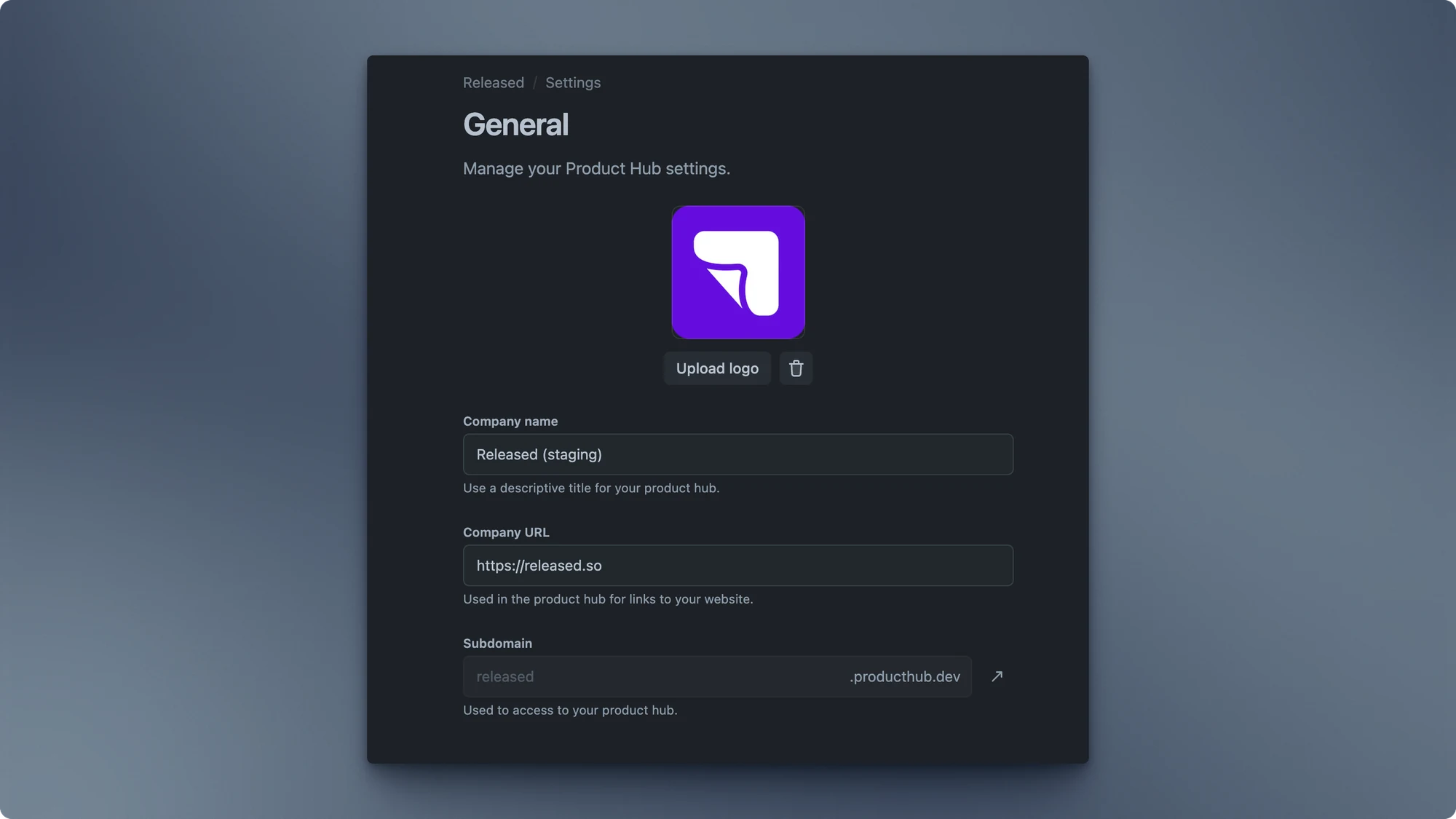
The Product Hub is the central place people use to discover your portals. Its general settings establish the public identity that appears across that experience: the name people see, where the logo leads, and the address they use to reach it.
These settings do not change the content inside a portal. Use them to make the shared entry point recognisable and easy to reach; use Design to change its visual presentation instead.
Available settings
Section titled “Available settings”Product Hub name
Section titled “Product Hub name”This is the name shown for the Product Hub. Most teams use their company or product name so visitors can immediately confirm they are in the right place. Keep it short enough to work in navigation and page headings.
Website URL
Section titled “Website URL”Choose the external website opened when someone selects the Product Hub logo. This is usually your main company or product site. Use a complete, public URL so the destination works for visitors who are not signed in to Jira.
Custom domain
Section titled “Custom domain”By default, Hub uses a Released-hosted subdomain. Add a custom subdomain when you want the Product Hub to live under a recognisable address such as updates.example.com or roadmap.example.com. The setup requires a DNS record at your domain provider and Hub provisions the HTTPS certificate after it verifies that record.
See Custom Domain for the DNS requirements, verification flow, and common setup errors.